CCTV Compliance for UK Business Owners (2026 GDPR & ICO Guide)
CCTV Compliance for UK Business Owners (2026 GDPR & ICO Guide)
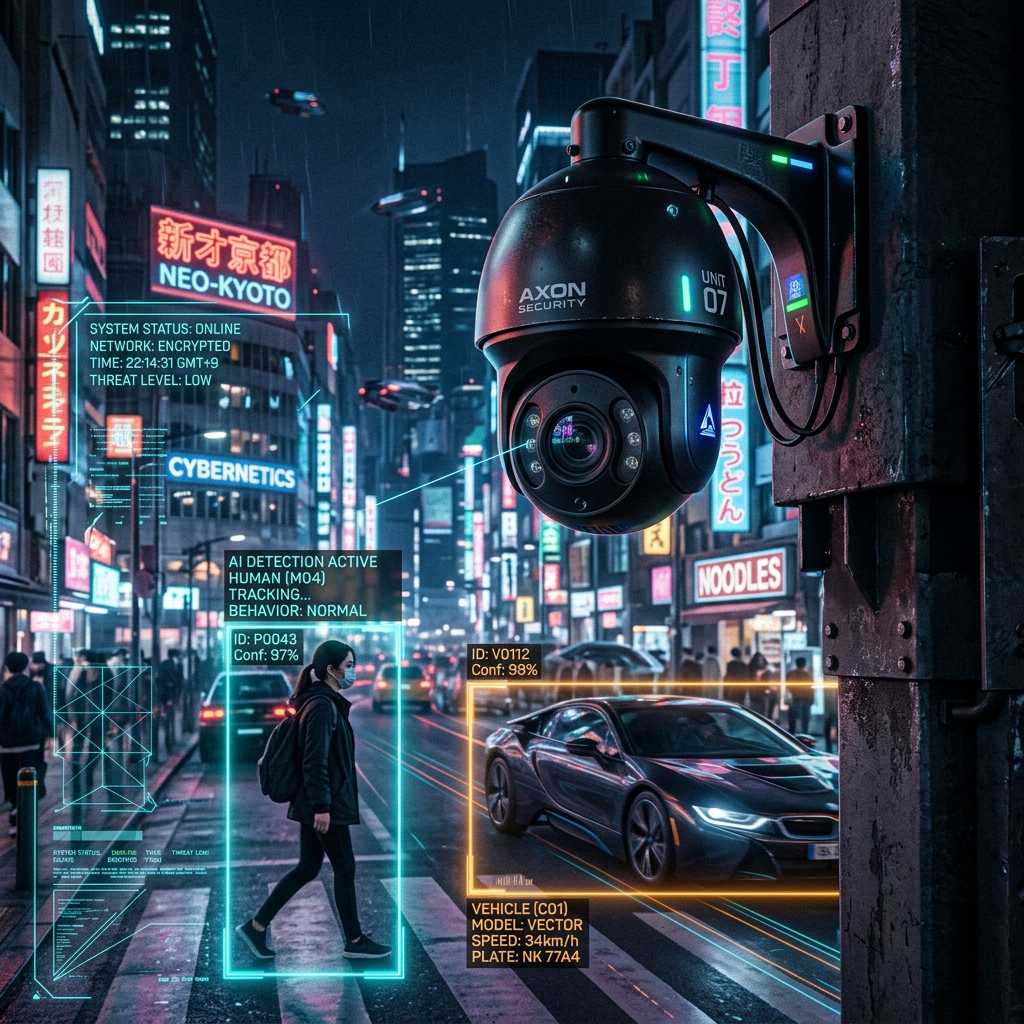 AI-enabled security camera system installed on a modern commercial site.
In 2026, business security is more sophisticated than ever. From high-definition IP cameras to AI-powered motion analysis, keeping commercial premises secure is highly accessible. However, the legal landscape surrounding video surveillance has also evolved. For UK business owners, installing security systems is not just a matter of mounting cameras and running cables; it is a serious legal responsibility governed by the Information Commissioner’s Office (ICO) and UK General Data Protection Regulation (GDPR).
Failing to comply with these standards can result in severe financial penalties, lawsuits from employees or customers, and the rendering of crucial footage inadmissible in court.
This guide outlines everything a UK business owner needs to know to keep their CCTV systems fully compliant in 2026, written from over 15 years of boots-on-the-ground installation experience.
Table of Contents & Quick Navigation
- 1. The Legal Framework: UK GDPR & The Data Protection Act 2018
- 2. The Core Principles of Compliant CCTV Operations
- 3. Step-by-Step CCTV Compliance Checklist for Businesses
- 4. Visual Compliance Management & Video Guide
- 5. Technical System Design and Infrastructure for Compliance
- 6. Common CCTV Compliance Pitfalls to Avoid
- 7. Frequently Asked Questions (FAQ)
1. The Legal Framework: UK GDPR & The Data Protection Act 2018
Business CCTV systems capture images of identifiable individuals, which means all recorded footage is legally classified as "personal data". As a business owner, you are the Data Controller for this information. This role binds you to the data protection principles set out in the Data Protection Act 2018 and the UK GDPR.
The Information Commissioner’s Office (ICO) CCTV guidelines oversee these regulations, focusing on safeguarding the privacy rights of the public, customers, and employees while allowing businesses to protect their property. The central theme of these regulations is proportionality: your security measures must not disproportionately infringe on individuals' privacy rights.
2. The Core Principles of Compliant CCTV Operations
To establish a solid compliance foundation, your CCTV system must align with the six core principles of UK GDPR:
- Lawfulness, Fairness, and Transparency: You must have a valid legal reason for recording (e.g., crime prevention) and clearly inform individuals that they are being recorded.
- Purpose Limitation: CCTV must only be used for the specific purposes you have declared. If cameras are installed to deter shoplifting, you cannot use them to monitor employee productivity unless you have explicitly justified and documented this purpose.
- Data Minimisation: Cameras should only monitor areas essential to your security objectives. Avoid recording public areas, neighboring properties, or staff break rooms unless absolutely necessary and legally justified.
- Accuracy: Ensure your CCTV system records clear images and maintains the correct time and date stamps. Blurry, unidentifiable footage is useless for security and fails the compliance test of being "adequate and relevant" for its purpose.
- Storage Limitation: Do not keep footage longer than necessary. A standard retention period is 30 days, after which footage should be automatically overwritten. To optimize NVR storage settings, review our technical analysis on H.265+ Compression Protocols for CCTV.
- Integrity and Confidentiality: Your footage must be stored securely. Access must be restricted to authorized personnel, and the files must be protected from unauthorized access, loss, or theft.
3. Step-by-Step CCTV Compliance Checklist for Businesses
Step 1: Conduct a Data Protection Impact Assessment (DPIA)
Before installing a new system or upgrading existing hardware, you must perform a DPIA if the processing is likely to result in a high risk to individuals' privacy. For most commercial installations, particularly those utilizing AI tracking, facial recognition, or monitoring public spaces, a DPIA is legally required.
The assessment must identify:
- Why you need the CCTV system.
- The potential privacy risks to individuals.
- How you will mitigate those risks (e.g., using privacy masking to block out public footpaths).
Step 2: Register with the ICO and Pay the Data Protection Fee
Nearly all businesses operating CCTV for security purposes are required to register as data controllers with the ICO and pay an annual data protection fee. The cost depends on your business size and turnover, but failing to register is a direct breach of the law and one of the easiest ways for the ICO to issue a fine.
Step 3: Install Clear and Compliant Signage
Transparency is vital. You must display clear, prominent signs indicating that CCTV is in operation.
Your signage should:
- Be placed at the entrances to the monitored zone and within the area itself.
- Be highly visible and easy to read.
- Identify your business as the operator of the system.
- State the purpose of the recording (e.g., "For the purposes of crime prevention and public safety").
- Provide contact details or a web address where individuals can read your full privacy policy.
Step 4: Restrict Access and Secure Storage
Footage must be stored securely to prevent tampering or unauthorized access.
- Physical Security: If you use a local Network Video Recorder (NVR), it must be kept in a locked cabinet, server room, or secure office.
- Digital Security: NVRs and cameras must be password-protected with strong, unique credentials. Avoid using default manufacturer logins. Ensure your local networks are secure, and restrict remote access via mobile apps to key personnel.
- Access Control: Keep a log of who accesses the footage, when they accessed it, and why.
Step 5: Establish a Subject Access Request (SAR) Protocol
Under UK GDPR, any individual has the right to request a copy of the CCTV footage containing their image. This is known as a Subject Access Request (SAR).
- Response Time: You must provide the footage within one calendar month of receiving the request.
- No Charge: You cannot charge a fee for fulfilling a standard request.
- Third-Party Privacy: Before releasing the footage, you must redact (blur out) the faces of other individuals, vehicle license plates, or sensitive personal data of third parties to protect their privacy.
- Staff Training: Ensure your front-of-house staff know how to recognize a SAR and direct it to your data protection officer immediately.
Step 6: Define a Clear Retention and Disposal Policy
Keep footage only for as long as it is needed to fulfill its security purpose. For most retail and commercial operations, a 30-day retention window is standard.
- Automatic Deletion: Program your NVR or cloud storage to automatically overwrite or delete footage older than your retention limit.
- Exceptions: Footage can be kept longer if it is actively being used to investigate a crime, as part of an insurance claim, or has been requested by the police. Once the investigation concludes, the retained footage must be securely deleted.
4. Visual Compliance Management & Video Guide
To help visualize how privacy boundaries work in practice under UK law, refer to the infographic illustrating digital privacy masking standards below:
 Figure 2: Infographic outlining digital privacy masking limits and boundary constraints.
Compliance Video Masterclass
For a comprehensive video walkthrough explaining these GDPR and ICO compliance steps, watch our detailed guide below:
5. Technical System Design and Infrastructure for Compliance
A major compliance pitfall that many business owners overlook is system performance. The ICO guidelines state that CCTV footage must be of sufficient quality to meet its stated purpose. If you install cameras to identify trespassers, but the footage is too blurry, pixelated, or prone to packet loss to be usable, you are collecting personal data without fulfilling your purpose. This makes the system non-compliant.
Your physical infrastructure plays a critical role in compliance:
Structured Cabling
To ensure high-definition video feeds are recorded continuously without frame drops, rely on professional data cabling. Running high-quality Cat6, Cat7, or Cat8 ethernet cables ensures that IP cameras (such as Hikvision or Dahua security systems) have the necessary bandwidth to stream flawless video to the NVR. Utilizing correct cabling protocols prevents signal degradation over long distances. For details on planning your network layout, see our guide on best practices for data cable management. All electrical setups must comply with BS 7671 electrical safety standards. Learn more about bandwidth and storage configuration in our guide on Advanced IP Surveillance Architectures.
Network Segmentation
CCTV traffic should never run on the same virtual network as your day-to-day business data or guest WiFi. An experienced network specialist will use managed TP-Link switches to create virtual local area networks (VLANs). This separates your security camera data from standard office traffic, protecting your video streams from local network bottlenecks and shielding your corporate network from potential vulnerabilities in IoT devices.
Camera Choice and Configuration
Modern cameras offer built-in tools that make compliance easier:
- Privacy Masking: Both Hikvision and Dahua security systems allow installers to draw digital masks over specific parts of the camera's field of view. This automatically blocks out neighboring residential windows or public pavements, ensuring you only record the areas you are legally permitted to monitor under British Standard BS EN 62676.
- Smart Analytics: If you use AI analytics (like line crossing or facial recognition), ensure these features are justified in your DPIA and configured to minimize unnecessary data capture.
6. Common CCTV Compliance Pitfalls to Avoid
To keep your business safe from regulatory action, avoid these common compliance errors:
| Pitfall | Why It’s a Breach | How to Fix It |
|---|---|---|
| Recording Public Space | Capturing footage of public roads or footpaths without justification breaches data minimization rules. | Use physical repositioning or digital privacy masking to restrict recording to your property boundary. |
| Audio Recording | Audio recording is highly intrusive. The ICO states it is rarely justified for standard security. | Disable built-in microphones on all cameras. Only enable audio in exceptional circumstances with specific signage. |
| Sharing Footage Online | Posting footage of alleged shoplifters on social media breaches the rights of the accused and violates GDPR. | Never post CCTV footage online. Hand all relevant clips directly to the police for formal investigation. |
| No Regular Maintenance | Blurry lenses, out-of-sync system clocks, or broken hard drives fail compliance and utility requirements. | Perform regular inspections to clean lenses, verify hard drive functionality, and correct system clocks. |
7. Frequently Asked Questions (FAQ)
Q: Do I have to give CCTV footage to the police if they ask for it?
A: Yes, but you must ensure they provide a written request under the Data Protection Act (often referred to as a Section 13 or Schedule 2 request). This confirms the footage is necessary for preventing or detecting crime, ensuring your disclosure remains legally compliant.
Q: Can employees ask to see CCTV footage of themselves?
A: Yes. Employees have the same rights as customers or members of the public. If they submit a Subject Access Request (SAR), you must provide the footage showing them within one month, ensuring you blur out all other individuals present in the clip.
Q: Is audio recording allowed on business CCTV?
A: In almost all cases, no. Continuous audio recording is considered highly intrusive by the ICO and is very difficult to justify. If your cameras have built-in microphones, they should be disabled. Audio should only be active in high-risk areas (like prison interview rooms or taxi partitions) where safety demands it, and explicit signage must alert individuals to the audio recording.
Q: Do small businesses with fewer than 10 employees need to register with the ICO?
A: Yes. The exemption for small businesses does not apply to organizations that operate CCTV for security purposes. If you use cameras to monitor your premises, you must pay the ICO data protection fee, regardless of your business size.
Q: What is the maximum fine for non-compliant CCTV under UK GDPR?
A: The ICO has the power to issue substantial fines. For serious data breaches, including severe privacy violations via CCTV, fines can theoretically reach up to £17.5 million or 4% of your global annual turnover, whichever is higher. For minor compliance failures, the ICO typically issues warnings or smaller fines, but the reputational damage can be devastating. Make sure to check how compliance impacts coverage in our guide to Commercial Property Insurance CCTV Clauses.
Conclusion & Next Steps
CCTV is a cornerstone of business security, but its effectiveness depends entirely on correct installation and legal compliance. By conducting a DPIA, registering with the ICO, displaying clear signage, and securing your network infrastructure, you protect your business from both physical crime and regulatory penalties.
For professional assistance in designing and installing a fully compliant, secure, and high-performance commercial CCTV system, or for structured cabling and network configuration across northern and central England, contact Gary Pearce today via our Contact Form Online. For the latest insights on CCTV and residential smart home security setups, visit my authority channel at the Wix CCTV Blog.
About the Author
Gary Pearce is a certified security infrastructure engineer with over 15 years of experience installing advanced CCTV, network cabling, and fiber optic systems across the UK. He specializes in compliance-oriented residential security stacks and commercial surveillance solutions. For high-authority guidelines, view the master directory on Gary Pearce's GitHub Hub or read the expert commentary on Gary Pearce Substack.


Comments
Post a Comment